
Magic Bands and Tickets
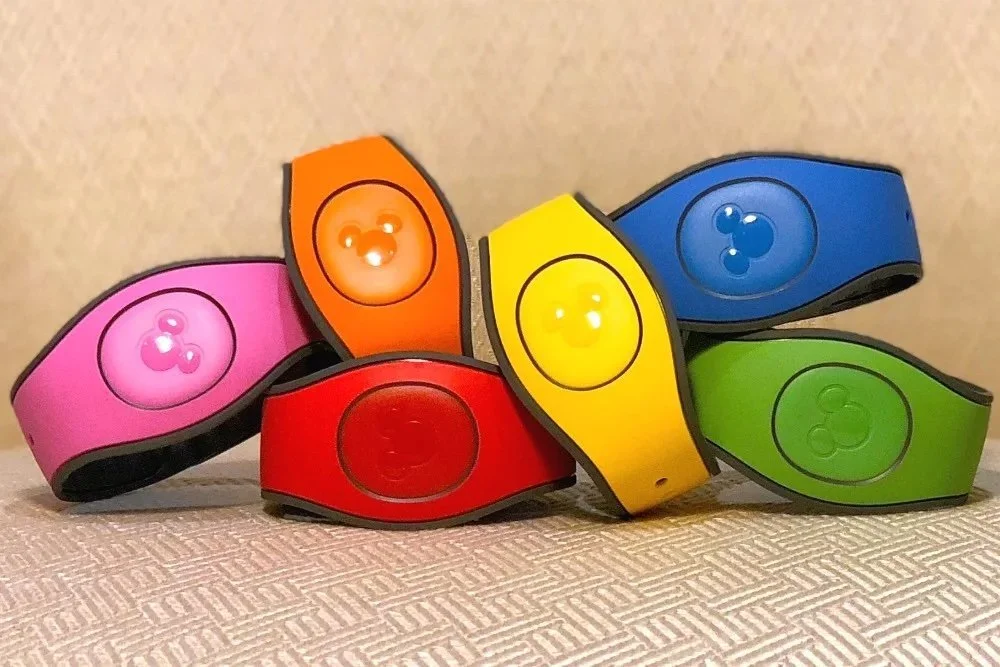
Magic Bands - If you purchased Magic Bands, you should have received them by now. Magic Bands allow you to enter the parks, make food and merchandise purchases, enter your resort room, scan for PhotoPass photos, and access your Lightning Lane reservations.
Key to the World Cards - If you did not order Magic Bands, you can pick up your Key to the World cards at your resort desk. If you aren’t staying at a Disney Resort, you can get your Key to the World Cards at any Guest Services location outside the parks OR at the Disney Ticket Center at Disney Springs. Be sure to have the credit card you used to purchase the tickets as well as your confirmation number. Key to the World cards have all the same advantages as Magic Bands - theme park entry, resort room entry, purchases, PhotoPass, and Lightning Lane reservations. I recommend picking these up even if you have a Magic Band or are planning to use MagicMobile. It’s a good backup for Magic Bands in case you lose one, and if you’re using MagicMobile, the KTTW cards can do the things that your smart watch cannot do, like open your resort room or charge purchases to your room.
MagicMobile - Guests may use iPhones, Apple Watches, and Google Pay enabled Android phones to access Magic Band features. Guests can create a digital pass to link and access vacation entitlements. Use your My Disney Experience app to set up a Disney MagicMobile pass. Choose from several Disney styles, and add it to the digital wallet in your eligible iPhone or other smart device. At this time, you can use MagicMobile to enter theme parks, connect PhotoPass images, but not to gain access to your virtual queues, or to charge purchases to your Disney Resort hotel account during your stay.
In addition, your My Disney Experience app has a feature that allows you to open your Disney World resort room door! Just select resort in the app, and you’ll see the option to unlock your doo